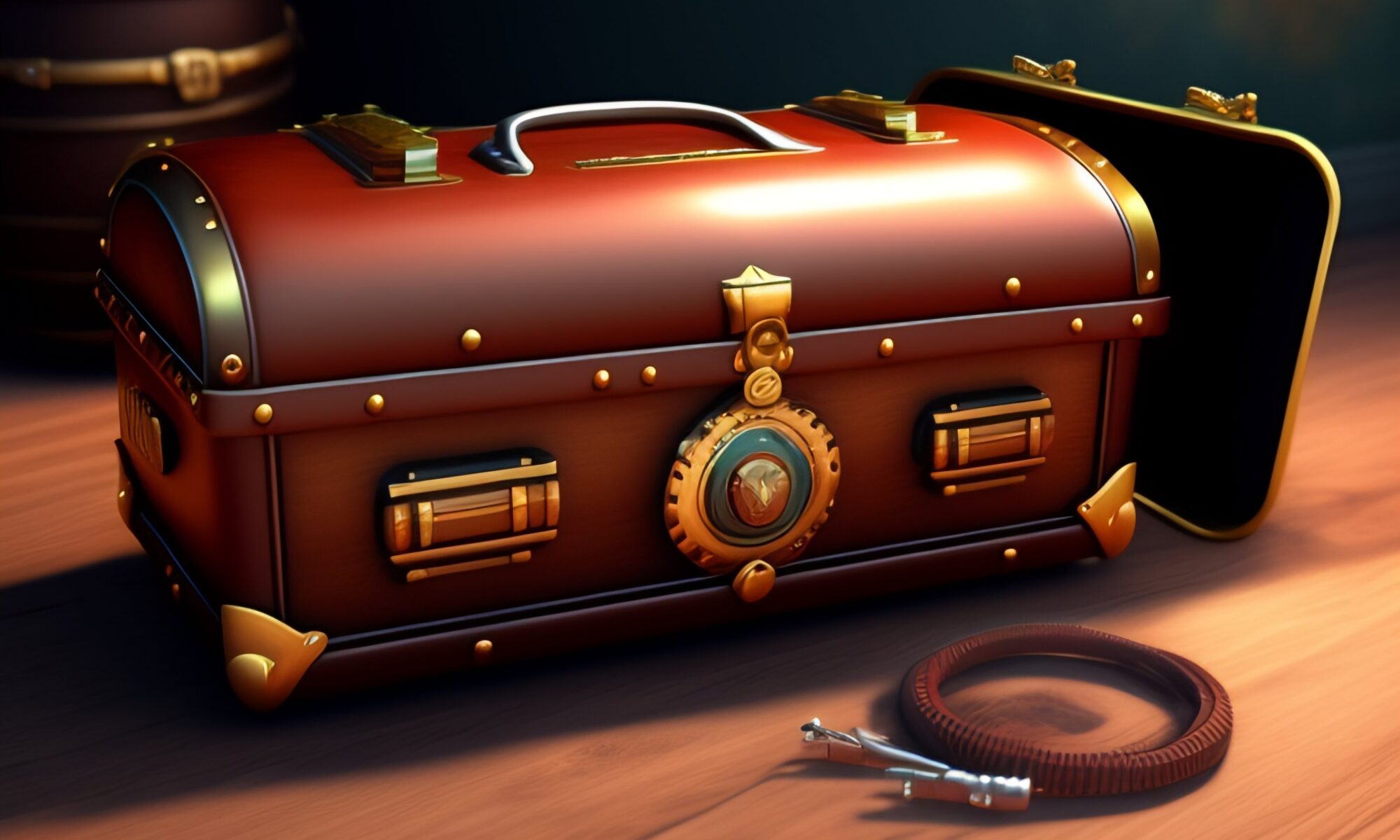
AI-generated with Lexica. I used prompt: “A steampunk tool box in a mysterious setting“
I’ve been exploring AI use for teachers and students for the past view months. I recently was interviewed by Aaron Maurer for his educator’s podcast “Peter Pappas And How AI Is Challenging Educators To Rethink Practices Of Teaching And Learning“
Listen on Apple Podcast
Listen on Spotify
Here’s an AI Toolkit that I designed to assist students and teachers with integrating AI into teaching and learning. This is reposted from my course website: EdTechMethods
Since the recent launch of ChatGPT – Artificial intelligence (AI) tools are in the news. Here’s a brief list of AI tools and resources. All are free (or have free intro promotions). We will be integrating them into our course over the semester.
OUr Course AI Policy
You are free to use AI tools in this course for your weekly assignments. Some assignments – like this week’s – will require it. You are free to use AI in creative ways. But be sure to always site AI use as noted in #1 below. See my example at the end of this page.
Be aware of the limits of ChatGPT and other text generating apps:
- AI is a tool, but one that you need to acknowledge using. Please include a paragraph at the end of any assignment that uses AI explaining what you used AI for and what prompts you used to get the results. Failure to do so is in violation of academic honesty policies.
- If you provide minimum effort prompts, you will get low quality results.
- You will need to refine your prompts in order to get good outcomes. This will take work.
- Don’t trust anything it says. If it gives you a number or fact, assume it is wrong unless you either know the answer or can check in with another source. You will be responsible for any errors or omissions provided by the tool. It works best for topics you understand.
- Be thoughtful about when this tool is useful. Don’t use it if it isn’t appropriate for the case or circumstance.
- AI is a tool. It is not always the right tool. Consider carefully whether, given its weaknesses, it is right for the purpose to which you are planning to apply it.
- There are many ethical concerns you need to be aware of. AI can be used to infringe on copyright, or to cheat, or to steal the work of others, or to manipulate. And how a particular AI model is built and who benefits from its use are often complex issues, and not particularly clear at this stage. Ultimately, you are responsible for using these tools in an ethical manner. Be transparent about how you use AI, and take responsibility for the output you create ~ adapted from Ethan Mollick
Start Here: How to use AI to do Practical Stuff: A New Guide

And  Seven Ways of Using AI in Class
writing Tools – type in prompt / get a text response
- Access GPT4 without a key or invitation on Hugging Face. | Link
- ChatGPT | Link. First create an OpenAI account to log in (registration may require a phone number)
- Best option if ChatGPT is down, use OpenAI Playground
- Perplexity | Link Better at looking information up than generating new ideas. But shows sources and lets you edit them out or add new sources. [Click 3 dots in upper right of the response.]
How to Create writing Prompts
- A Teacher’s Prompt Guide to ChatGPT | Link to pdf
- Five Teaching Strategies and Prompts that Work | Link
- Learn Prompting | Link
- Awesome ChatGPT prompts | Link to article
- How to… use ChatGPT to boost your writing | link to article
- How to write an effective GPT-3 prompt | Link to article
AI Plagiarism Detectors
- GPTZero. Built for educators. Paste in text and see if its created by AI | Link
- GPT-2 Output Detector – Paste in text and see if its created by AI | Link
image Tools – Type in descriptors (or upload image) / get an image response
- Lexica | Link Requires sign up (my favorite of this group)
- DALL-E | Link Requires sign up
- Midjourney | A powerful image generator on Discord. Link to QuickStart guide
- Image Maker | Link Free to use Stable Diffusion-powered text to image generator
- Karlo Generator| Link Can be a bit wonky and only produces low resolution images, but no sign up needed.
- Image Mixer | Link Combine multiple images into one. No sign up needed
How to Create Image Prompts
- How to use AI image prompts to generate art (this post references Microsoft Designer, but tips work with all image generators) | Link to article
- DALLE-E Prompt Book | Link
Audio / Video Tools
- AssemblyAI – extract transcription, summary or topic detection from a video | Link
- Google Speech-to-Text | Link | Free sign up
- Google Text-to-Speech | Link | Free sign up
AI note for this page: I elected to use AI to generate a featured image for this page. Thought it would be proof of concept. I used Lexica and this prompt: “A steampunk tool box in a mysterious setting.” It took me a number of tries to add descriptor prompts to get something I wanted. The final image included some elements that make no sense – what’s the “screen” at right and cables in foreground? Mysterious?